Practice for the SHL Excel test
No SHL-style mock yet. Use the general employment mock and the function guides today.
We are not affiliated with SHL. Our practice replicates the test's format, not its content.
Practice available today
What this test usually is
SHL is an assessment company that employers use for hiring tests, and its catalog lists Excel tests. We have not verified the format of the SHL Excel test an employer may send you, including whether it is hands-on or multiple choice and whether it is timed. If the invitation does not say, ask whoever sent it.
What is available today
An SHL-style mock is planned; there is no date yet. What you can use today:
- The general employment mock, which mixes hands-on tasks and multiple choice under a 30-minute clock and covers the skills most employer Excel tests share.
- The free sampler, which uses the general format.
- The function guides and how-to pages, each with practice you can try in the grid.
How to prepare
- Take the free sampler to see your baseline.
- Ask the employer whether the test is hands-on or multiple choice and whether it is timed, then practice that way: in the grid for hands-on work, by predicting what formulas return for multiple choice.
- Work the lessons for the skills you missed. The Speed module (keyboard-only Excel) helps with any clock.
- Take the general employment mock as a dress rehearsal.
What this page does and does not claim
We have no SHL-style mock and nothing here is SHL content or affiliated with SHL. When one is built, its format will come from SHL’s current public description, with the source and date recorded.
Skills to practice
- SUM The first formula most tests ask for. Use a range such as B2:B20 rather than listing cells, so a row added inside the range is included.
- AVERAGE Ignores empty cells and text but counts zeros, which matters when a blank means no result.
- IF Returns one value when a test is true and another when it is false. Nested IFs work, but IFS is easier to read when there are more than two outcomes.
- COUNTIF Counts the cells that meet a condition, for example how many orders say Shipped.
- VLOOKUP Looks a value up in the first column of a table and returns a value from a column to its right. The last argument, FALSE, asks for an exact match.
2 sample items with answers
1. Label each order Late if the days waiting are more than 5.
| A | B | C | |
|---|---|---|---|
| 1 | Order | Days waiting | |
| 2 | A-100 | 7 | Late |
IF compares B2 with 5. Because 7 is greater than 5, the formula returns Late. Filled down, each row gets its own label.
2. Count how many orders have the status Shipped.
| A | B | C | D | |
|---|---|---|---|---|
| 1 | Order | Status | ||
| 2 | A-100 | Shipped | 3 | |
| 3 | A-101 | Open | ||
| 4 | A-102 | Shipped | ||
| 5 | A-103 | Shipped | ||
| 6 | A-104 | Open |
COUNTIF looks at the status column and counts the cells equal to Shipped. Three of the five rows match, so the answer is 3.
Free sampler
Five items in the general employment format, the closest we have today, with a skill-by-skill report at the end. No account needed.
Start the sampler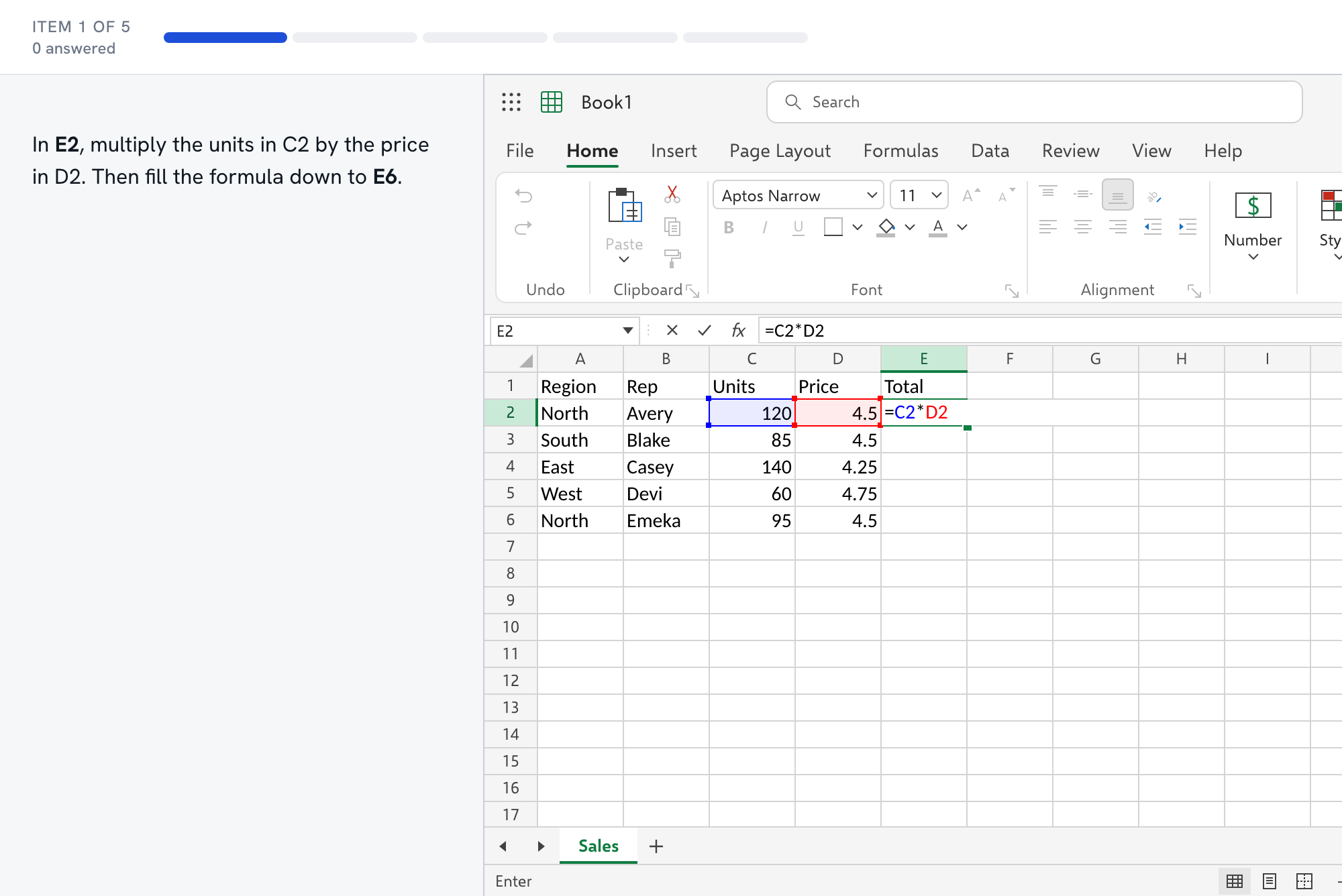
Questions about the SHL test
- What format is the SHL Excel test?
- It depends on which SHL test your employer chose. SHL's catalog lists several Excel tests, and we have not verified the item types or the time limit for the one you may be sent. Ask the recruiter whether it is hands-on or multiple choice and whether it is timed, then practice that way.
- Is the SHL test the same as Kenexa Prove It?
- Not necessarily. SHL's catalog includes a set of IBM Kenexa assessments, and the Prove It Excel tests are listed there. If your invitation says Prove It or Kenexa, use the [Kenexa Prove It page](/tests/kenexa-prove-it-excel-practice/), which has a mock built for that format.
- What should I practice if I do not know the format?
- The skills that every format needs: entering and formatting data, sorting and filtering, SUM and AVERAGE, IF, COUNTIF and SUMIF, and one lookup. The general employment mock covers those, and the score report links each missed item to a lesson.
- Why does your SHL page not have its own mock?
- Because we will not build a mock from a format we cannot describe accurately. When we can base one on SHL's current public description and record the source and date, we will add it.
- How do I find out whether my test is timed?
- Read the invitation and the first screen of the test, and if neither says, ask the recruiter before you start. If it is timed, rehearse with the general employment mock. If it is not, work for accuracy first and check each answer before you move on.