Practice for the TestGorilla Excel test
No TestGorilla-style mock yet. Use the general employment mock and the function guides today.
We are not affiliated with TestGorilla. Our practice replicates the test's format, not its content.
Practice available today
What this test usually is
TestGorilla is a pre-employment testing platform that employers use to screen applicants. We have not verified the format of its Excel test, including the item types, the number of questions and the time limit. If the invitation does not say, ask whoever sent it.
What is available today
A TestGorilla-style mock is planned; there is no date yet. What you can use today:
- The general employment mock, which mixes hands-on tasks and multiple choice under a 30-minute clock and covers the skills most employer Excel tests share.
- The free sampler, which uses the general format.
- The function guides and how-to pages, each with practice you can try in the grid.
How to prepare
- Take the free sampler.
- For each question you got wrong, open the function guide for that function and work the examples.
- Practice reading formulas aloud: “COUNTIF over B2 to B50, where the value is greater than 100.” If you can say it, you can usually predict it.
- Take the general employment mock as a dress rehearsal.
What this page does and does not claim
We have no TestGorilla-style mock, and nothing here is TestGorilla content or affiliated with TestGorilla. When one is built, its format will come from TestGorilla’s current public description, with the source and date recorded.
Skills to practice
- SUM Know the shortcut (Alt+=) and know that SUM skips text. A number stored as text, often shown left-aligned, is not added.
- IF Reading a nested IF aloud, one condition at a time, is a reliable way to predict its result.
- COUNTIF Counts by one condition. Operators and wildcards work, for example "*pen*" counts any cell containing pen.
- VLOOKUP Searches the first column of a table. It cannot look left of that column, which is a common reason to learn INDEX and MATCH.
- TRIM Removes extra spaces from text, including the doubled spaces that make two identical names fail to match.
3 sample items with answers
1. What does this formula return? Count the sales above 100.
| A | B | C | D | |
|---|---|---|---|---|
| 1 | Rep | Sales | ||
| 2 | Ana | 150 | 3 | |
| 3 | Ben | 100 | ||
| 4 | Chloe | 240 | ||
| 5 | Dev | 75 | ||
| 6 | Elena | 101 |
COUNTIF with ">100" counts the cells in B2:B6 that are greater than 100. The values 150, 240 and 101 qualify, and 100 does not because it is not greater than 100, so the answer is 3.
2. Remove the extra spaces from a name so it matches the list.
| A | B | |
|---|---|---|
| 1 | Name as typed | |
| 2 | Ana Lee | Ana Lee |
TRIM removes spaces at the start and end and reduces runs of spaces between words to one, so the text with three spaces in the middle becomes Ana Lee. The original cell is unchanged.
3. Give a grade: A at 90 or more, B at 70 or more, otherwise C.
| A | B | |
|---|---|---|
| 1 | Score | |
| 2 | 72 | B |
Read it in order: if the score is 90 or more, A; otherwise, if it is 70 or more, B; otherwise C. The score of 72 fails the first test and passes the second, so the result is B. The order of the tests matters, because checking 70 first would give every score of 90 a B.
Free sampler
Five items in the general employment format, the closest we have today, with a skill-by-skill report at the end. No account needed.
Start the sampler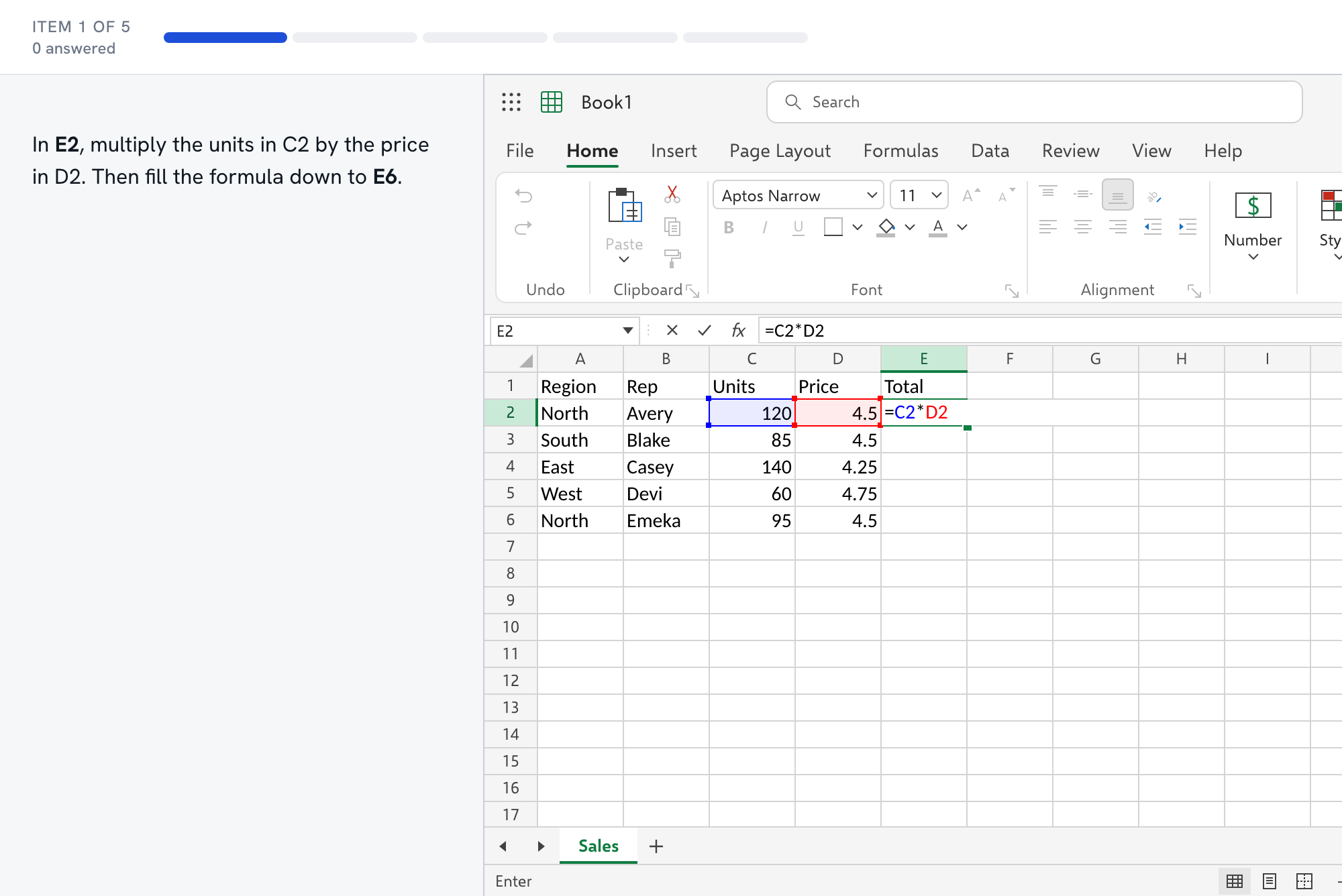
Questions about the TestGorilla test
- What format is the TestGorilla Excel test?
- We have not verified it, including the item types, the number of questions and the time limit, and we would rather say so than guess. The invitation or the recruiter should say. Meanwhile, practice both reading formulas and building them.
- How do I practice predicting what a formula returns?
- Read it aloud in plain words: COUNTIF over B2 to B6, where the value is greater than 100. Then compute it by hand on a small range. Our [function guides](/functions/) show each function's result on a real grid so you can check your prediction.
- What are the usual traps?
- Numbers stored as text that SUM ignores, a VLOOKUP without FALSE returning a near match, a comparison such as ">100" that excludes 100 itself, and a relative reference that shifts when filled down. The function guides list the mistakes for each function.
- Can I use the free sampler without an account?
- Yes. Five items in the general employment format, no account, and a report by skill at the end.
- What if the test turns out to be timed?
- Practice under a clock before the day. The general employment mock is timed, so it is the closest rehearsal we have. When you review, look at which tasks used the most time, because those are the skills to drill.